How it works
A magical moment, delivered in seconds
No printing. No downloads. No apps. Just open your link, personalise your card, and share the surprise.
Your unique builder link arrives by email instantly after purchase. Open it in any browser — no app needed.
Receive your link
After purchase, check your inbox for your unique builder link. Opens on any phone, tablet or computer — no downloads or special apps needed.
Personalise your card
Click Edit to personalise your card. Add your Title text and Reveal text where applicable. The background design and audio are fixed — they're part of what makes each card special.
Preview and test
Click Try It to experience your card exactly as your recipient will — with music and animation. Make edits until you're completely happy.
Share your surprise
When you're ready, click Share Card to generate your unique viewer link and QR code.
Important
- Click Share Card only once to create your link — then copy and save it.
- Your card link works for 30 days from purchase. A card you personalise works for 30 days from when you create it.
- Share with as many people as you like — each person can scratch and experience the surprise again and again.
They scratch to reveal
Your recipient opens the link and scratches the foil to reveal your message. Music plays as the card is revealed — creating a moment they won't forget.
Step by step
See it on a phone
Text card
Swipe through making a birthday card: your words, a quick test, then the link.
 1
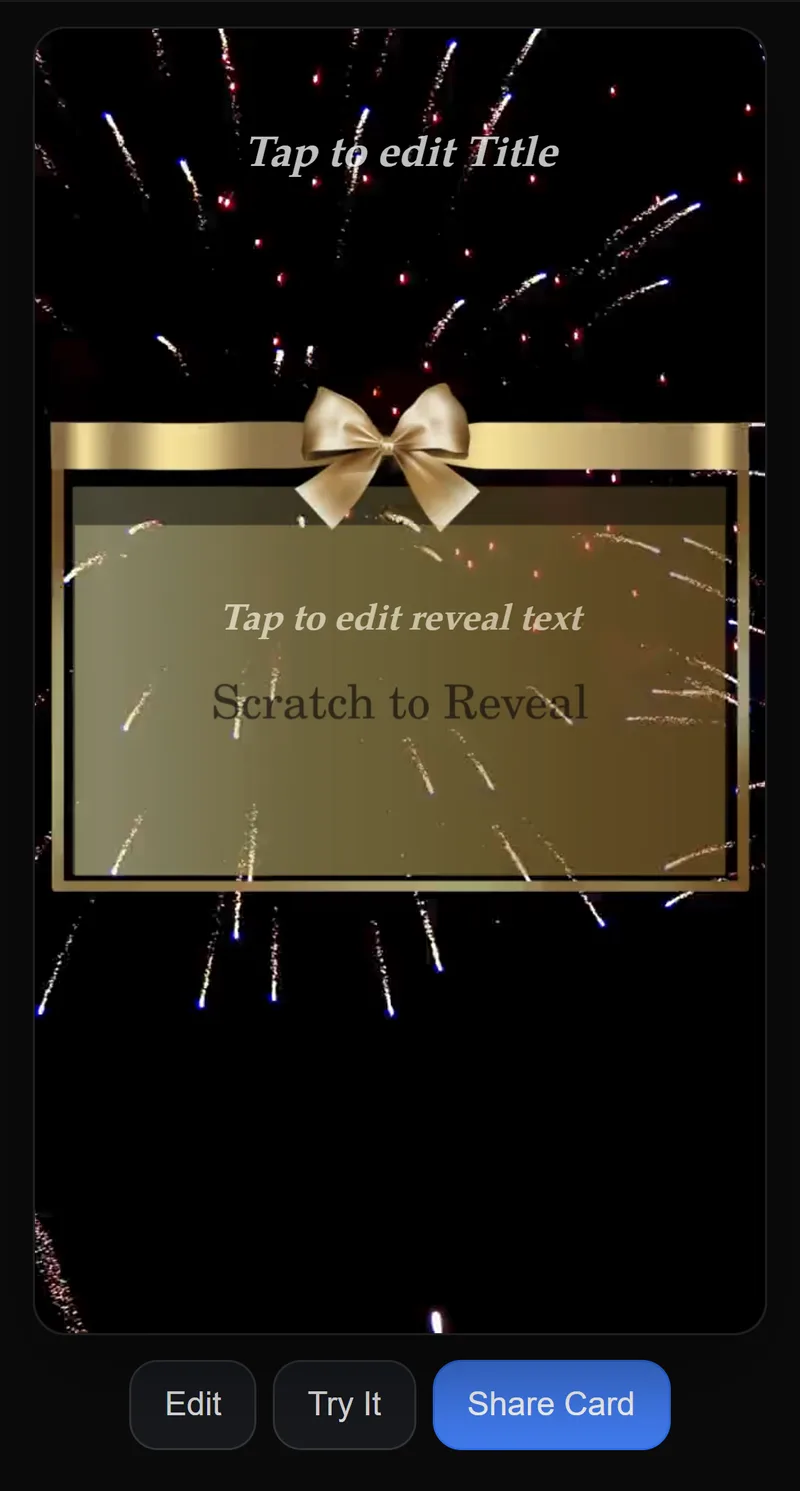
1Open your card link
Tap the link in your email or PDF. It opens in your phone’s browser — no app.
 2
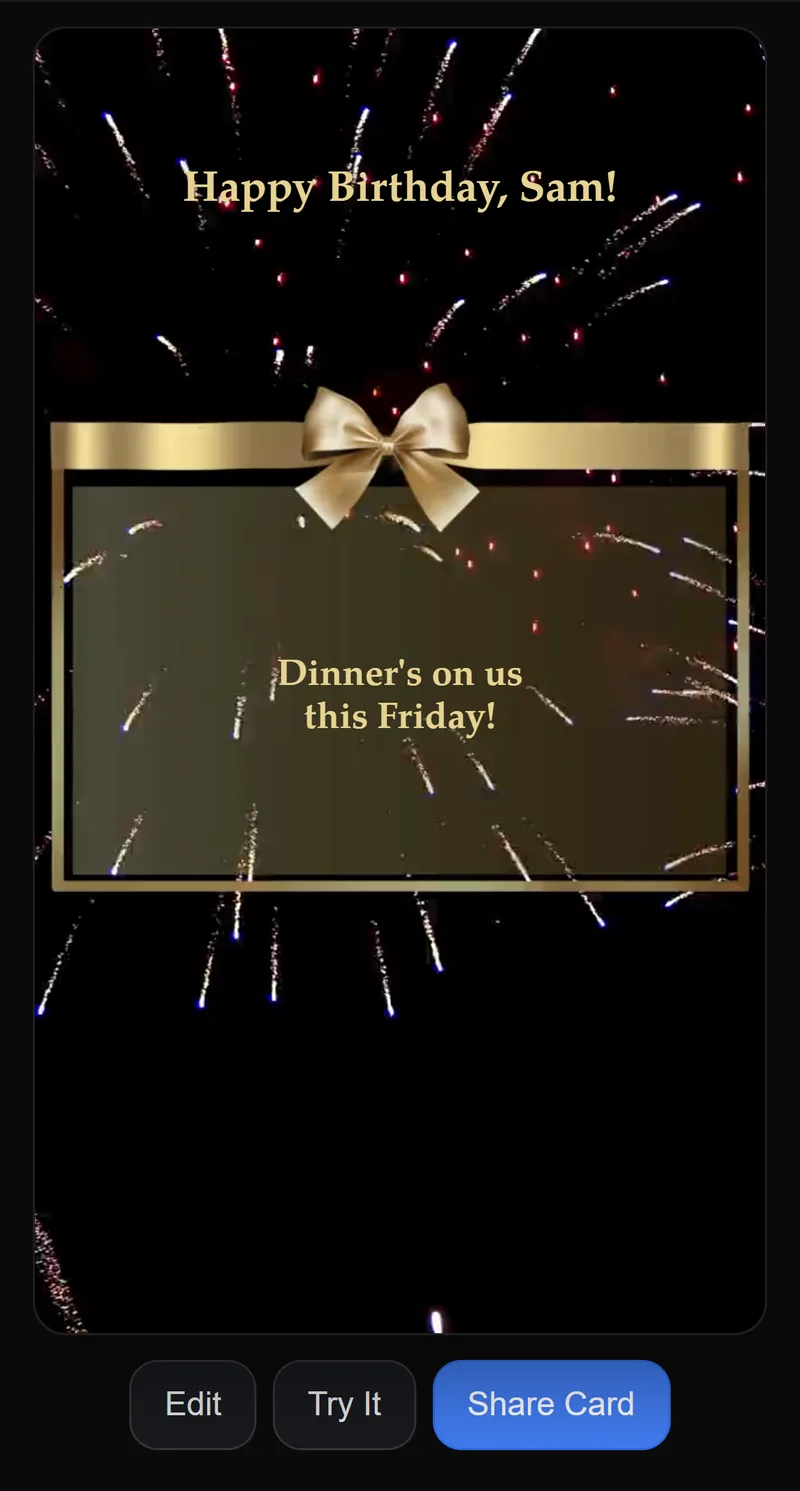
2Type your own words
Tap the title and the message and type what you like, in any language.
 3
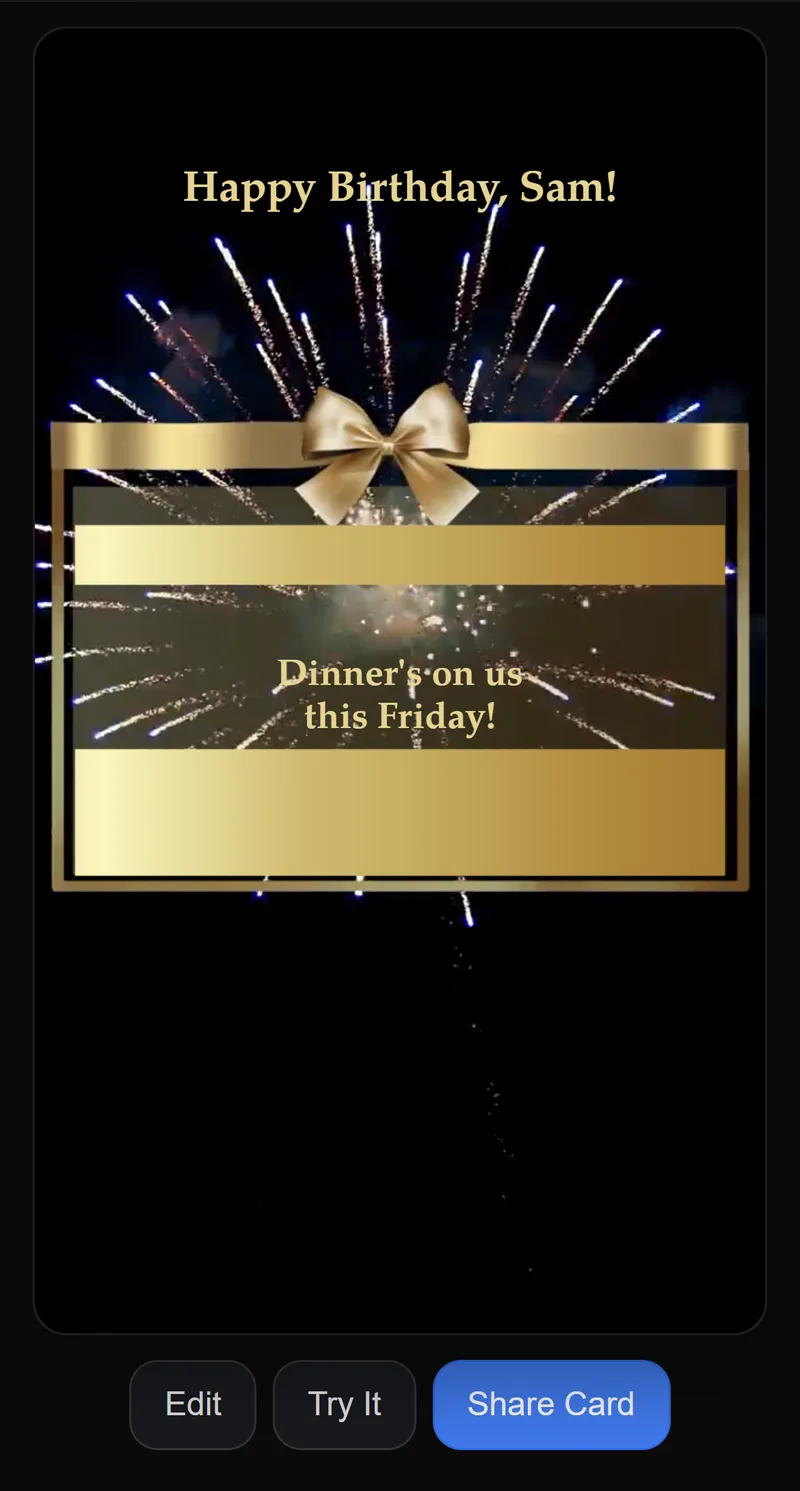
3Tap Try It
Scratch your preview to see the card exactly as they will.
 4
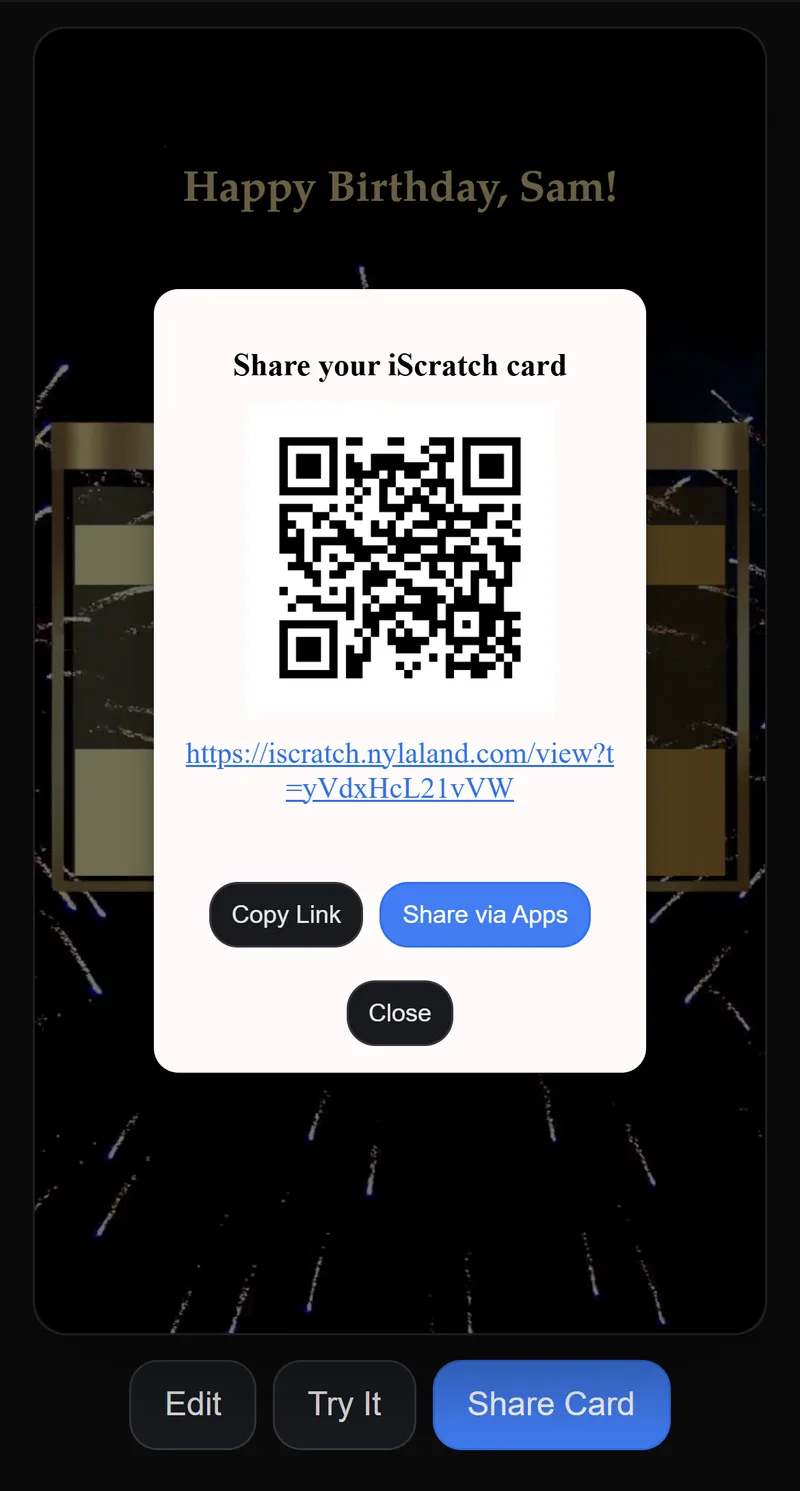
4Tap Share Card
Copy the link, send it on WhatsApp or by email, or show the QR code.
 5
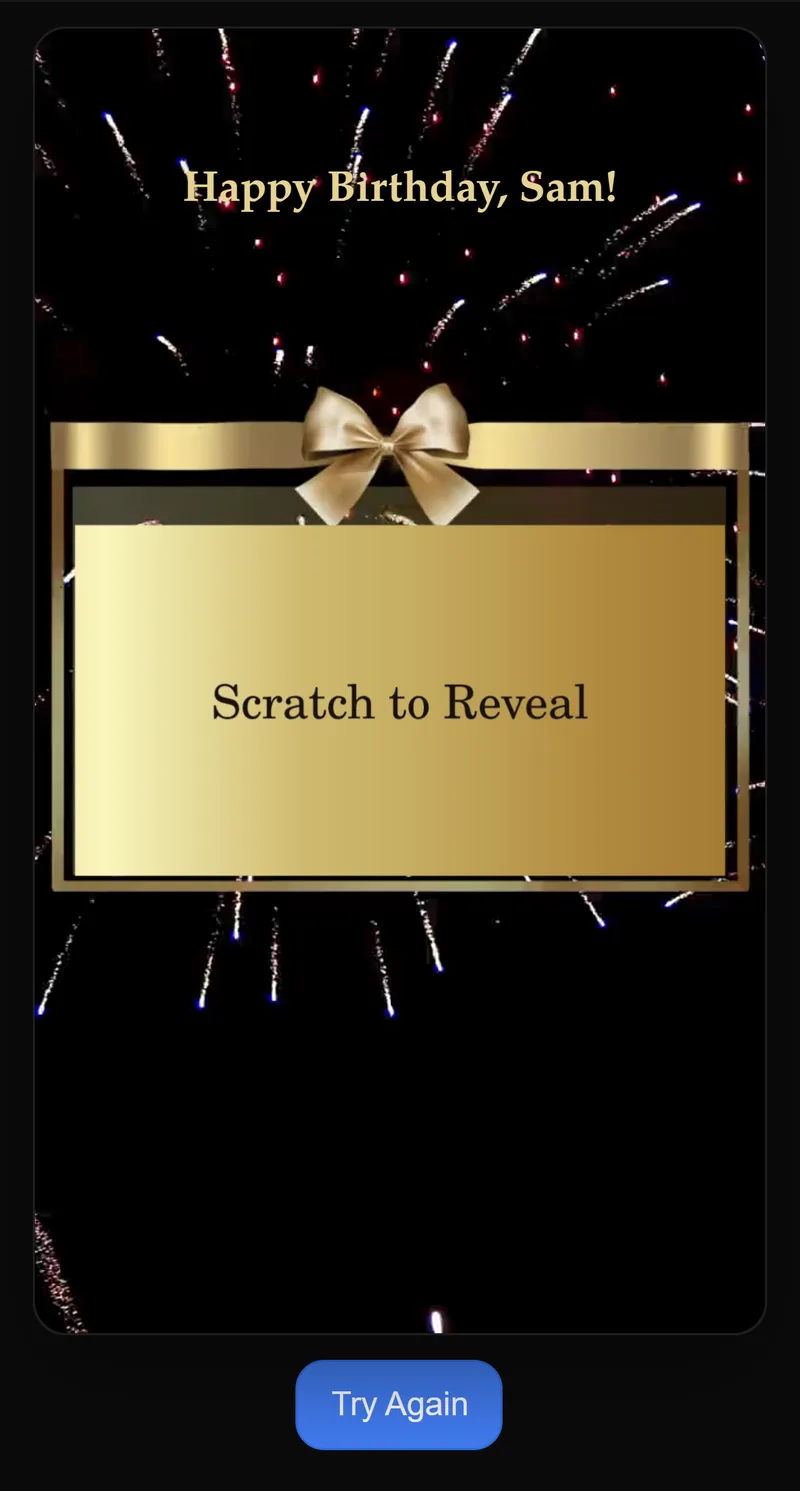
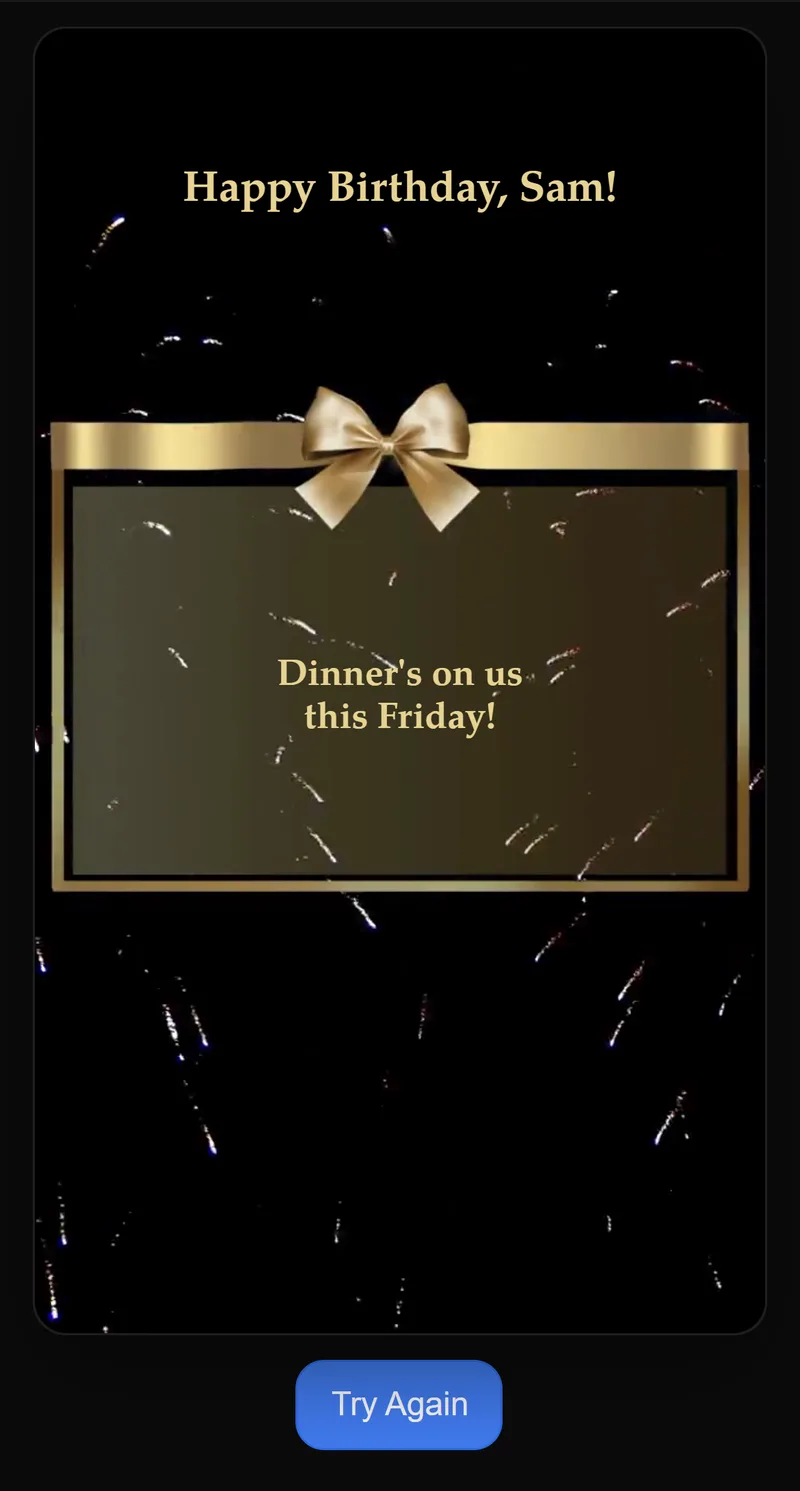
5What your recipient sees — before
Gold foil first, then your message as they scratch.
Revealed
Photo card
The same steps, with your own photo under the foil.
Perfect for ultrasound scans too.
 1
1Open your card link
Tap the link in your email or PDF. It opens in your phone’s browser — no app.
 2
2Add your photo and words
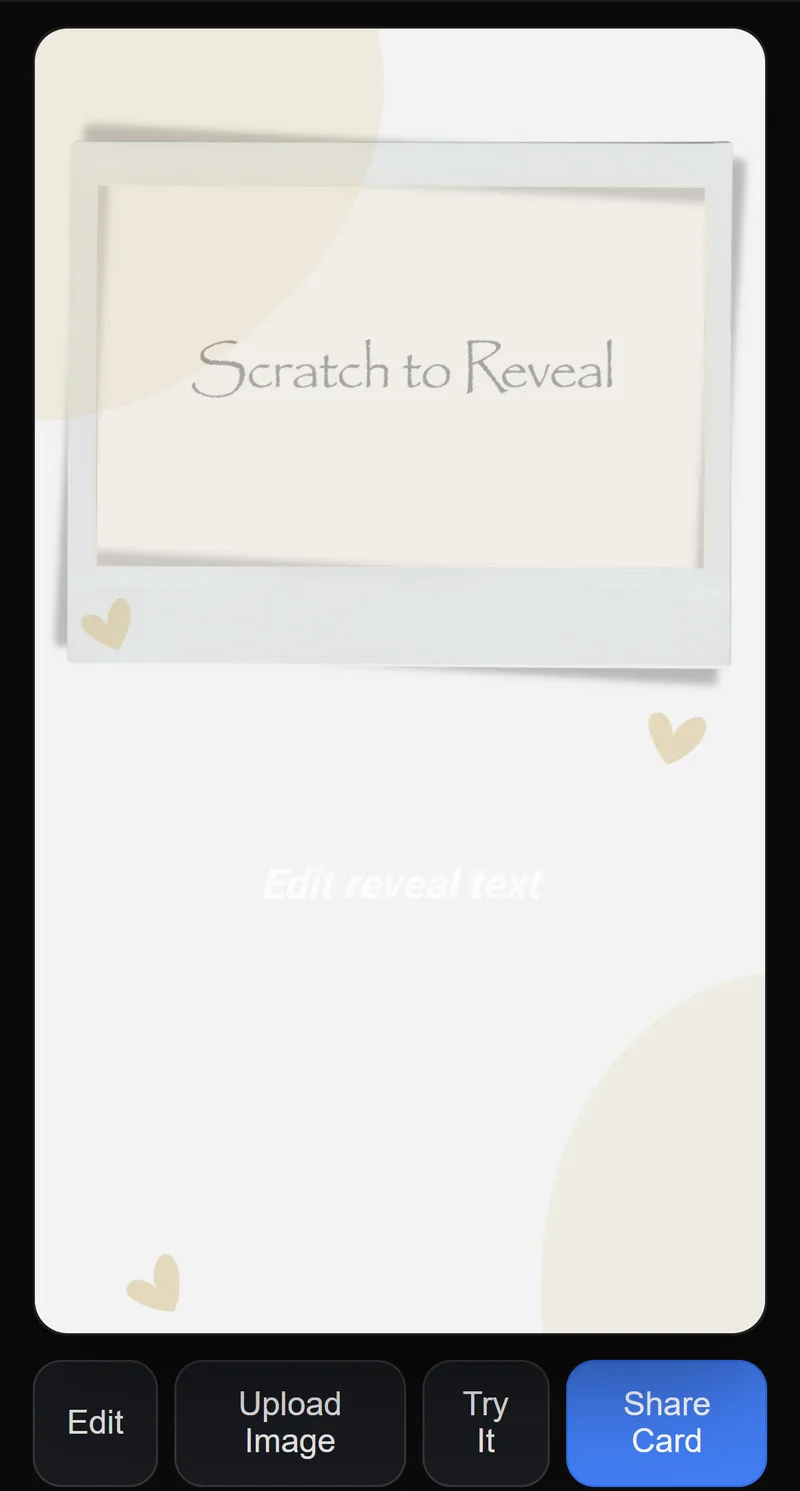
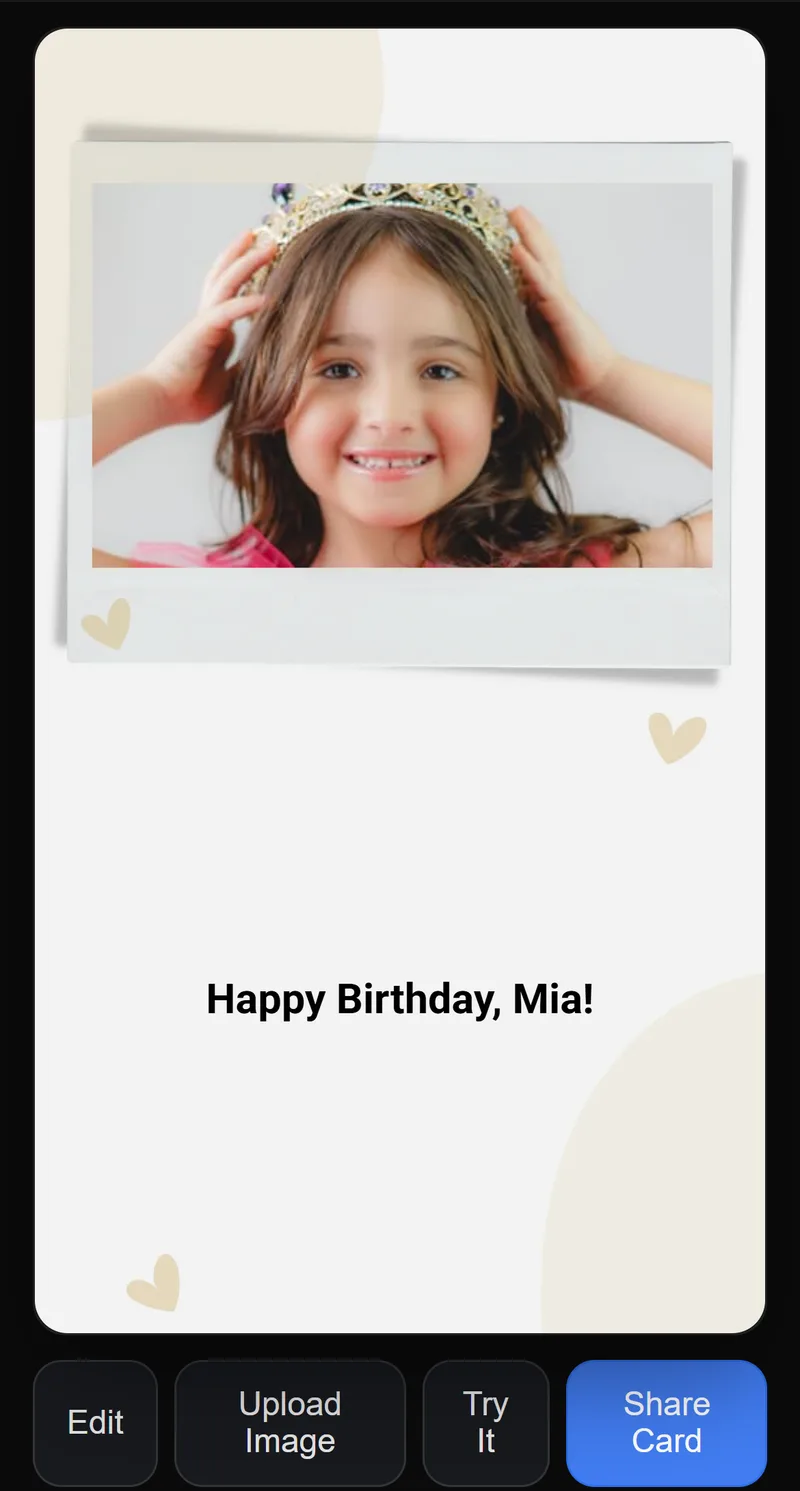
Tap Upload Image to add your photo, then write your title or message.
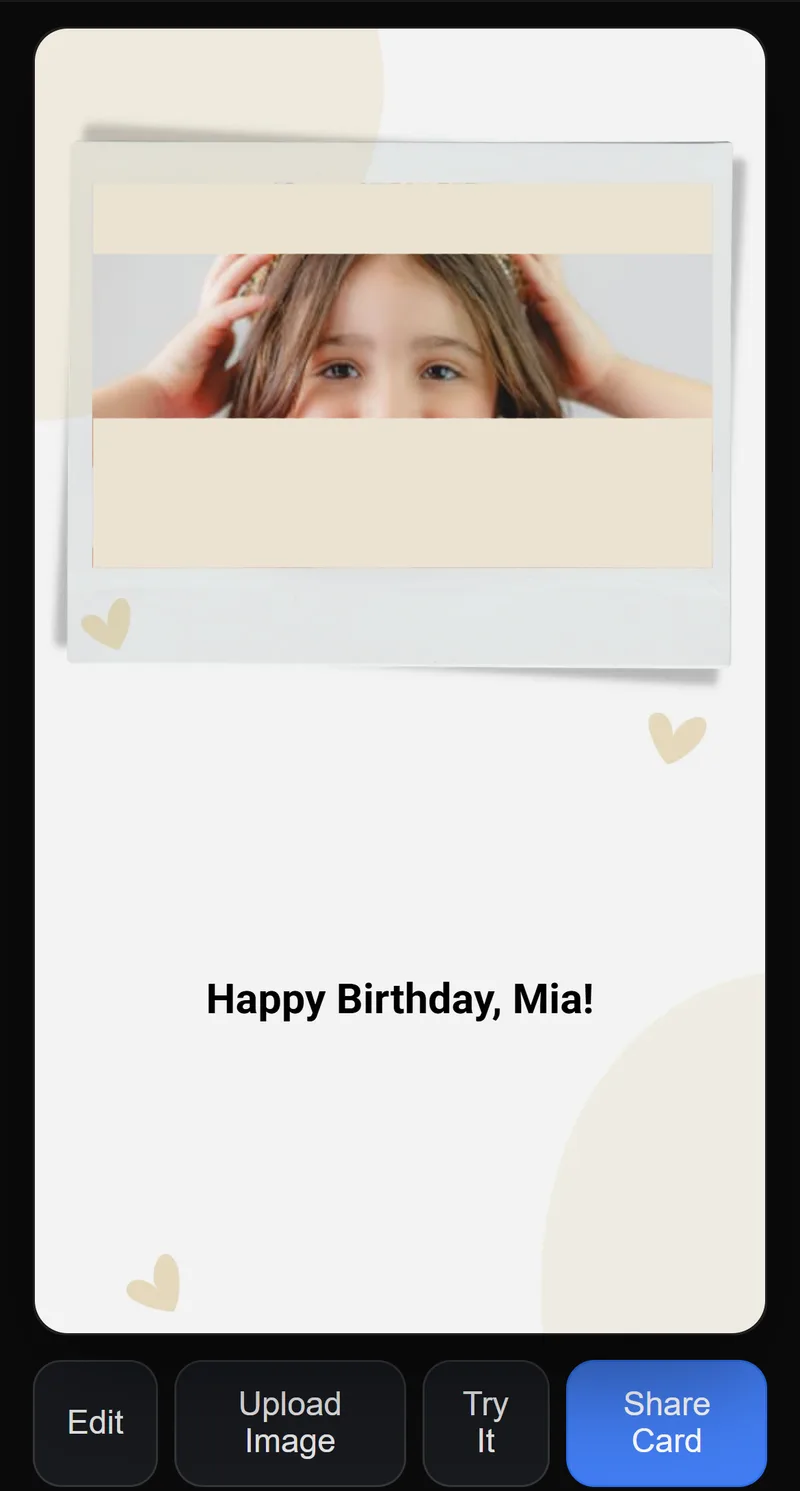 3
3Tap Try It
Scratch your preview to see the card exactly as they will.
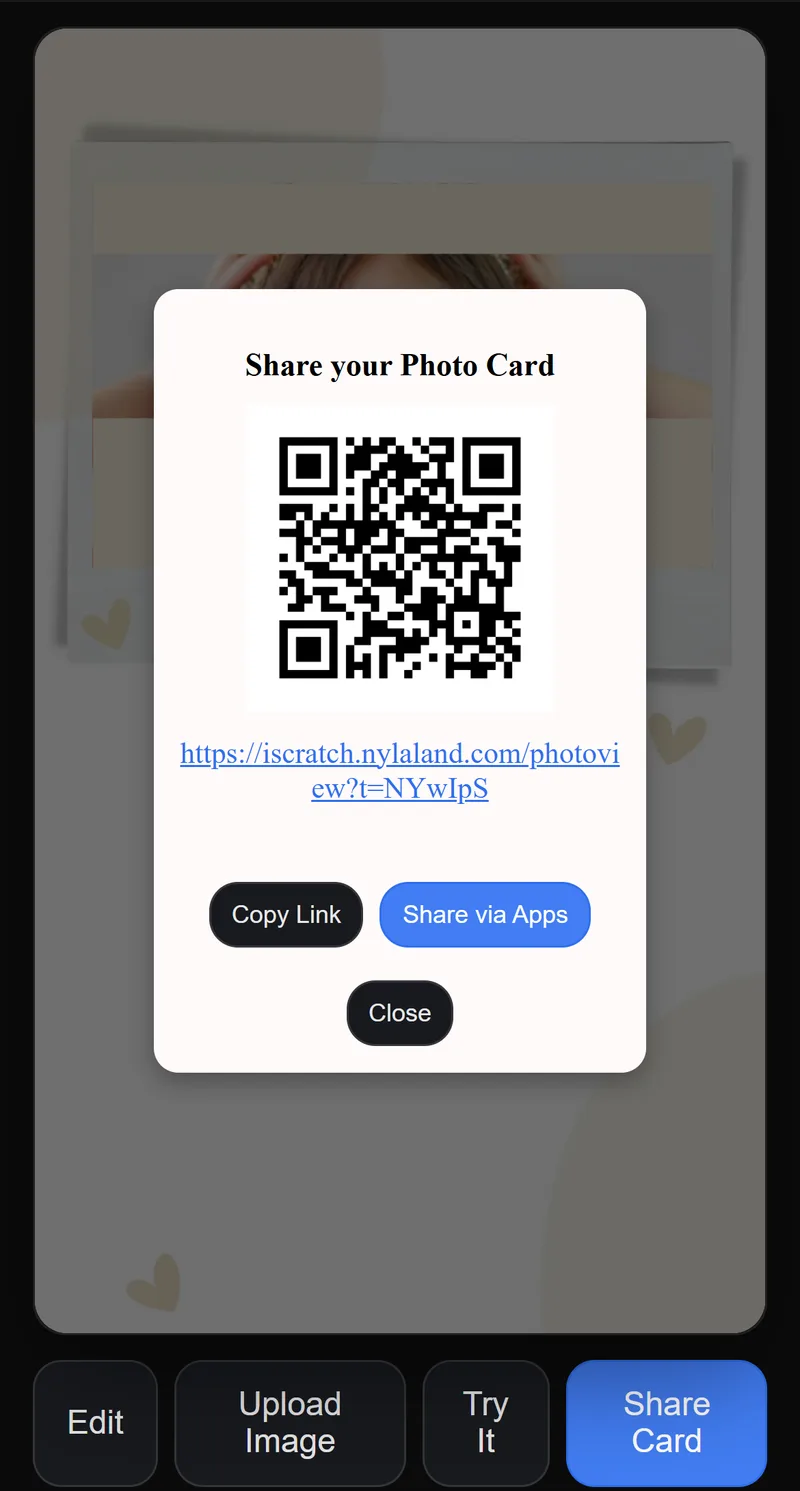 4
4Tap Share Card
Copy the link, send it on WhatsApp or by email, or show the QR code.
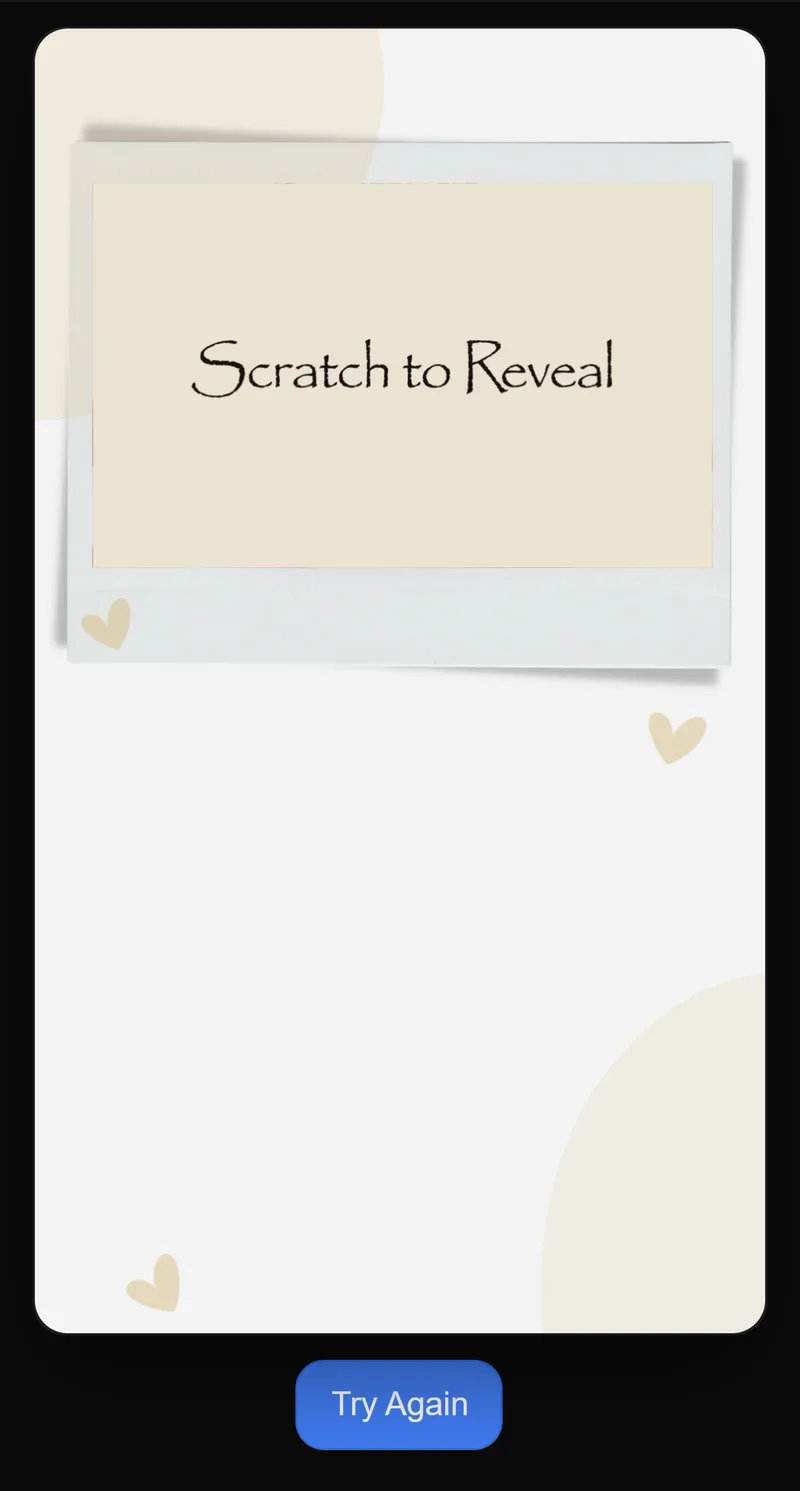 5
5What they see — before
They scratch the foil to uncover your photo and message.
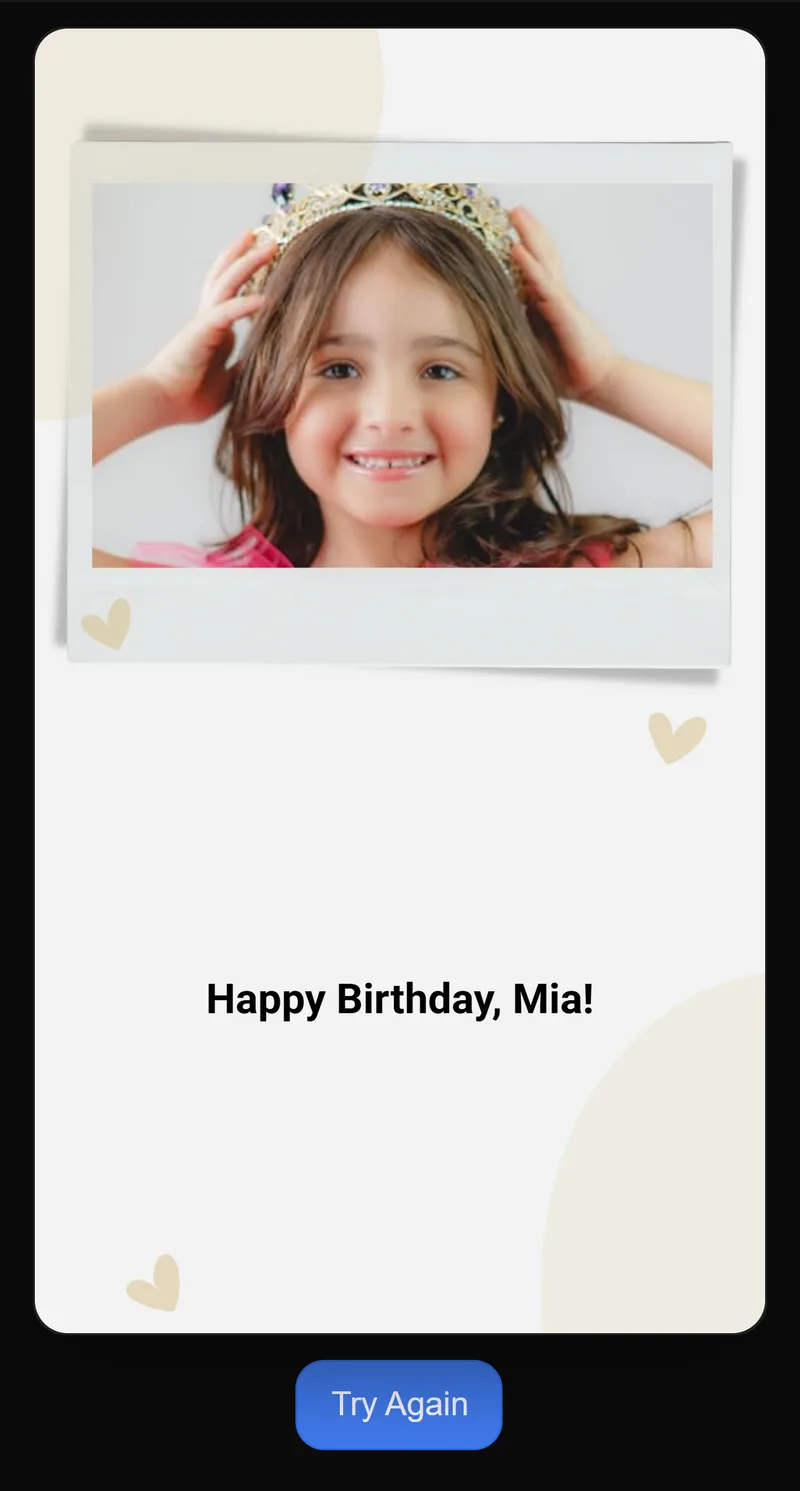
Revealed
Try before you buy
Experience a live scratch card
See exactly what your recipient experiences — scratch the foil to reveal the message, with music and animation.
Try the scratch experienceOpens in a new tab · No purchase or account needed